
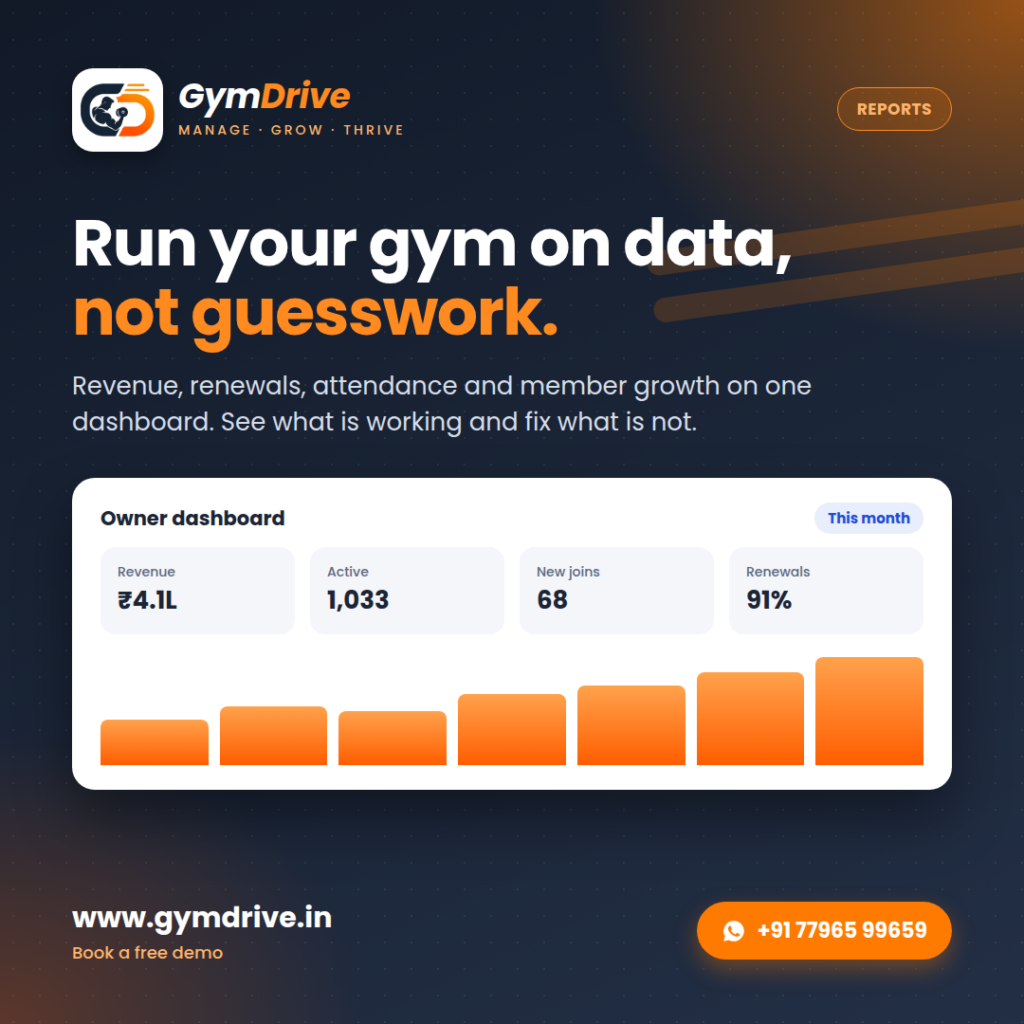
Quick answer: Gym reports turn membership, payment and attendance data into clear numbers: revenue, active members, new joins, renewal rate and footfall. GymDrive shows these on an owner dashboard so decisions are based on data, not guesswork.
Many gyms run on instinct. The owner feels that January was busy and that renewals seem lower this year, but cannot say by how much. Instinct is useful, but it cannot tell you where revenue is leaking or which offer actually worked.
What gym owners miss without reports
Without reports it is hard to see falling renewal rates, quiet hours, inactive members and which plans sell best. These are exactly the numbers that decide whether a gym grows.
What GymDrive gym reports show
GymDrive brings the important numbers together:
- Revenue and collections for the period.
- Active members and new joins.
- Renewals, so you see retention clearly.
- Attendance trends by day and time.
Part of a complete gym management system
GymDrive brings the whole gym into one system:
- Membership management and renewal tracking
- Fee and payment collection
- Biometric and app-based attendance
- Trainer payroll
- A member app for your gym
- Multi-location control
- Reports and an owner dashboard
- DPDP Act 2023-aligned handling of member data
Frequently asked questions
What reports does GymDrive provide?
GymDrive covers revenue, memberships, renewals, attendance and member growth, with an owner dashboard.
Can I see reports for each branch?
Yes. Multi-location gyms can view numbers by branch.
Do I need technical skills to read the dashboard?
No. The dashboard is designed for gym owners, with the key numbers on one screen.
 GymDriveGym management software
Book a free GymDrive demo
See GymDrive working with your own setup. Book a free demo and get your questions answered by our team.
Prefer local support? Raymond Cardoza Enterprises in Mangaluru is an affiliate partner for GymDrive, helping gyms with setup, onboarding and ongoing support. See GymDrive from Raymond Cardoza Enterprises.